Connect Intervals.icuon Free
Create a free Intervals.icu account, connect it in FuelCyclePro Settings, then link Garmin or Wahoo on Intervals. Free includes this connection.
What Free includes
- Connect Intervals.icu with OAuth or an API key
- Sync rides into FuelCyclePro
- Push a training plan to your Intervals.icu calendar
- Upload a trainer FIT file through Intervals when Trainer Mode is enabled
Workout file exports still follow the monthly Free cap on Pricing. Intervals.icu itself is a separate service with its own account and terms.
How to set it up
Step 1
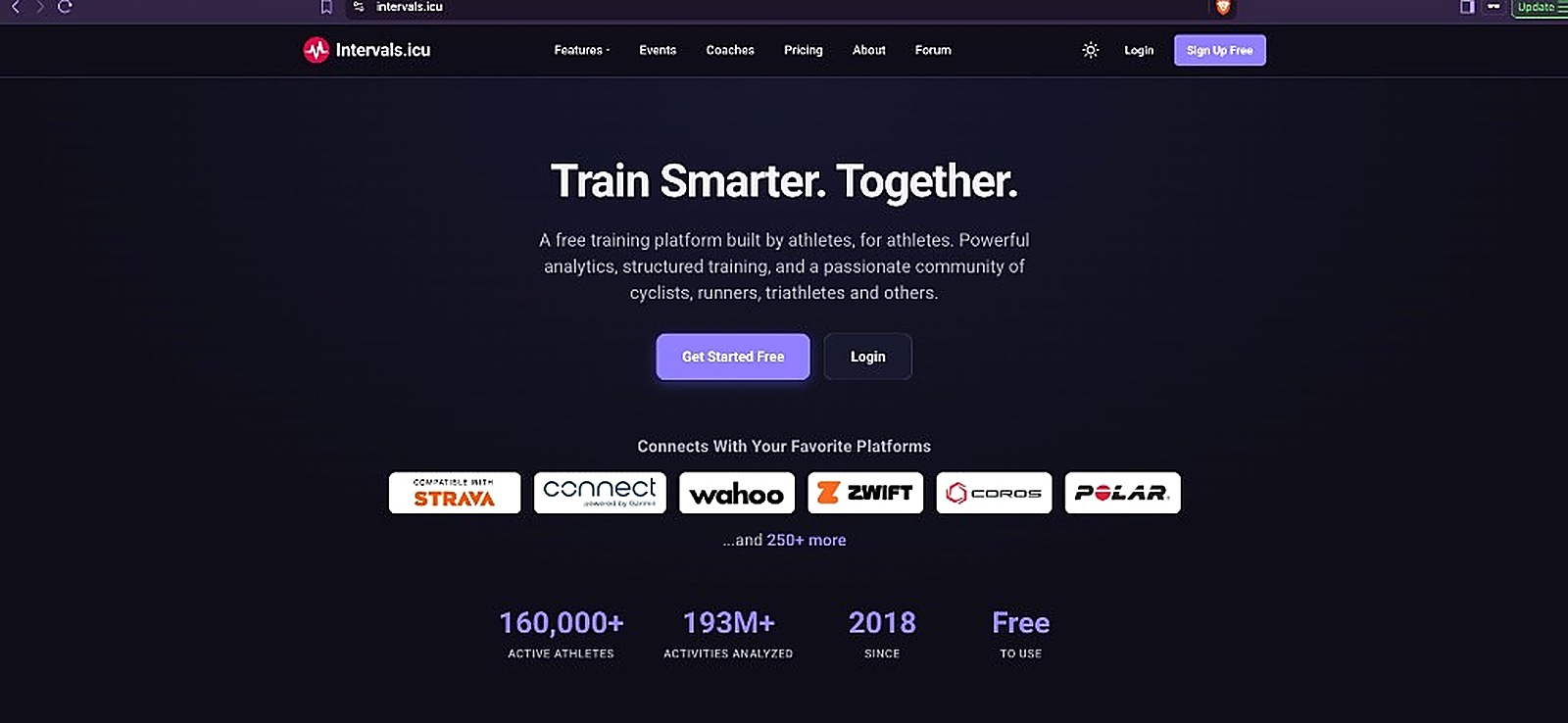
Open Intervals.icu
Start at intervals.icu. FuelCyclePro does not create this account.
Step 2
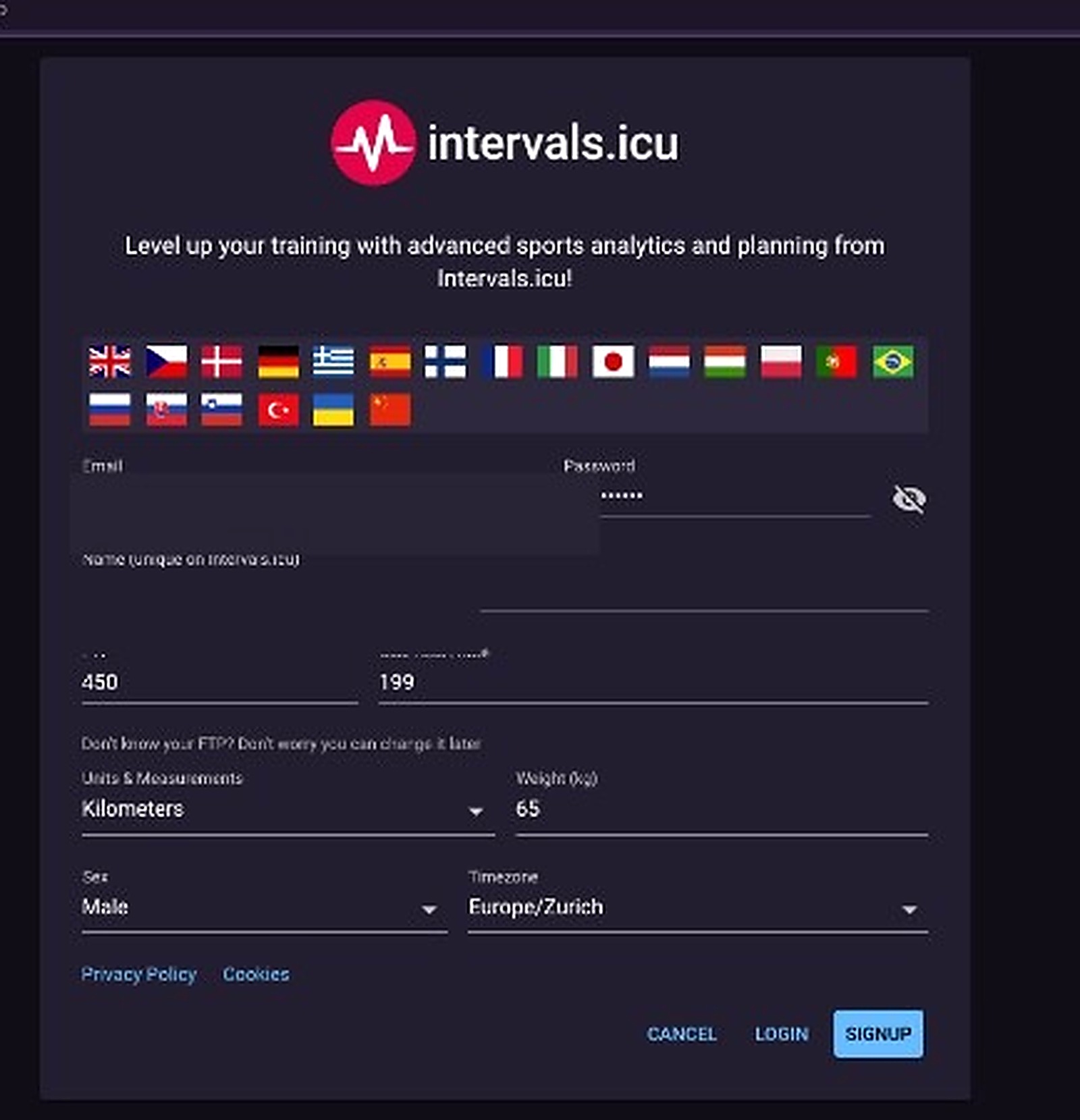
Create your account
Sign up with your own email. You can set FTP and weight later.
Step 3
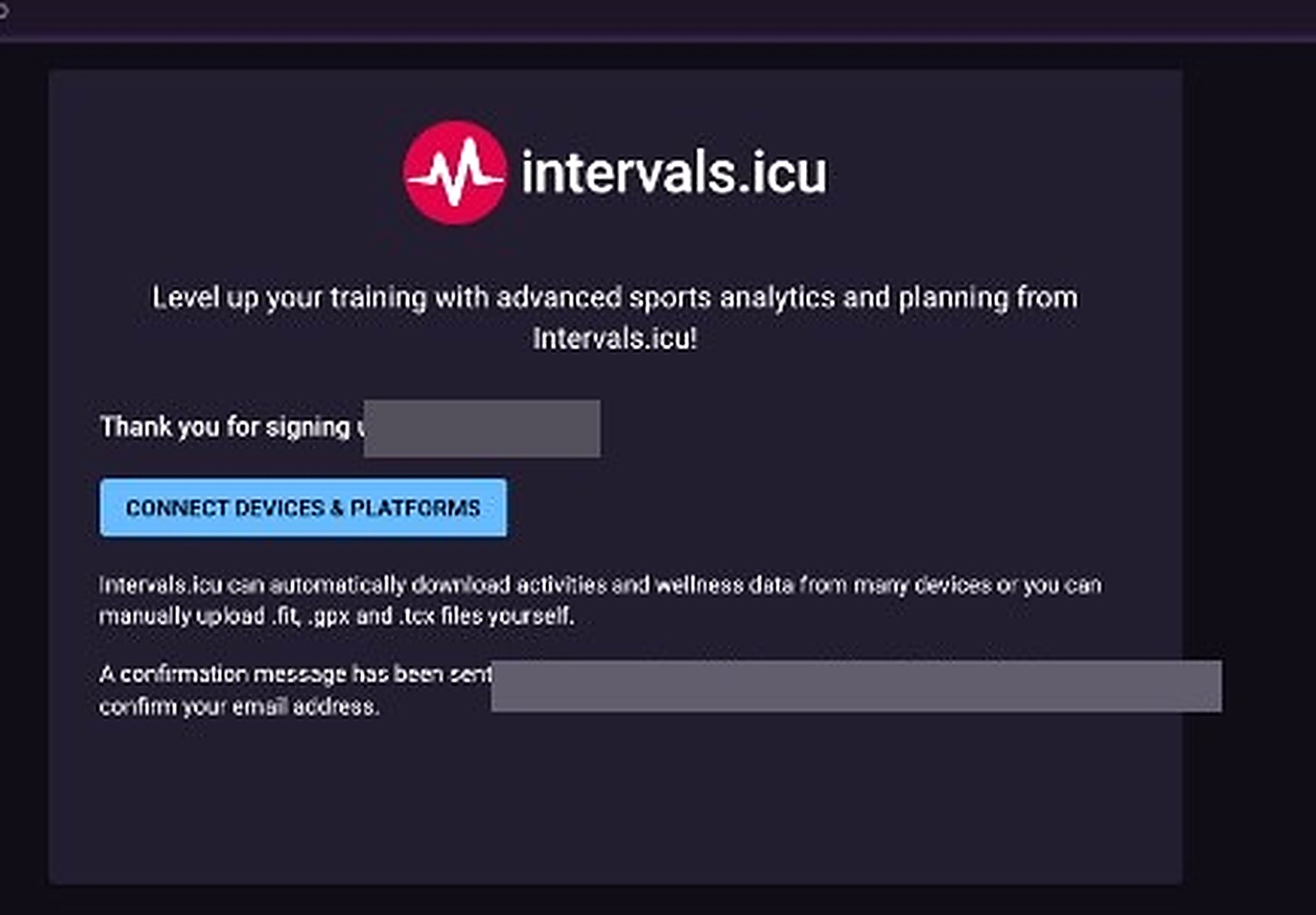
Confirm the email
Open the confirmation Intervals sends, then connect devices there if you want.
Step 4
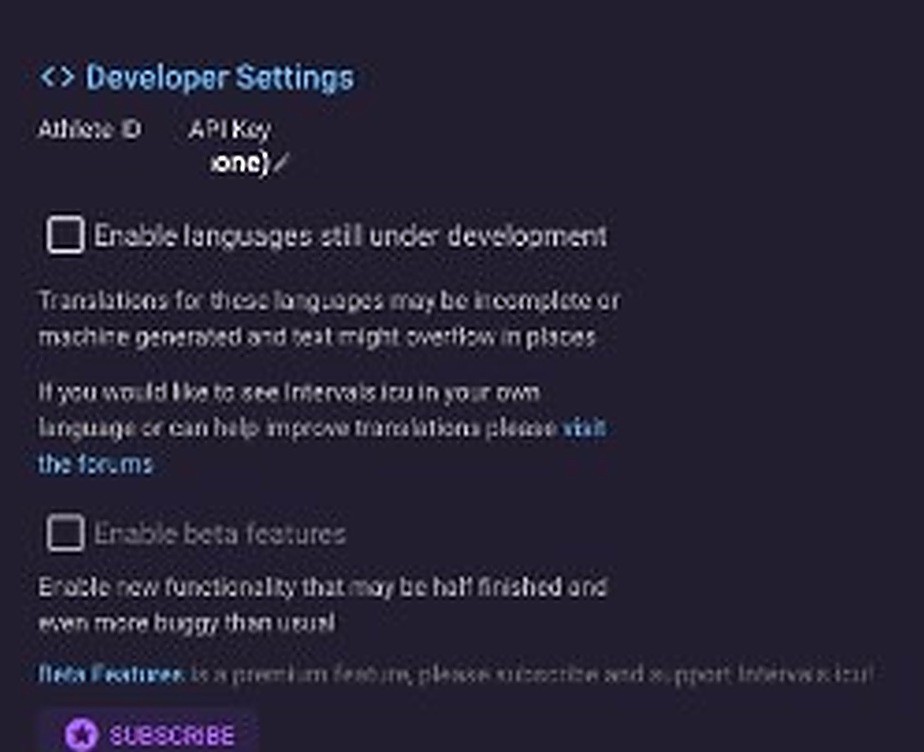
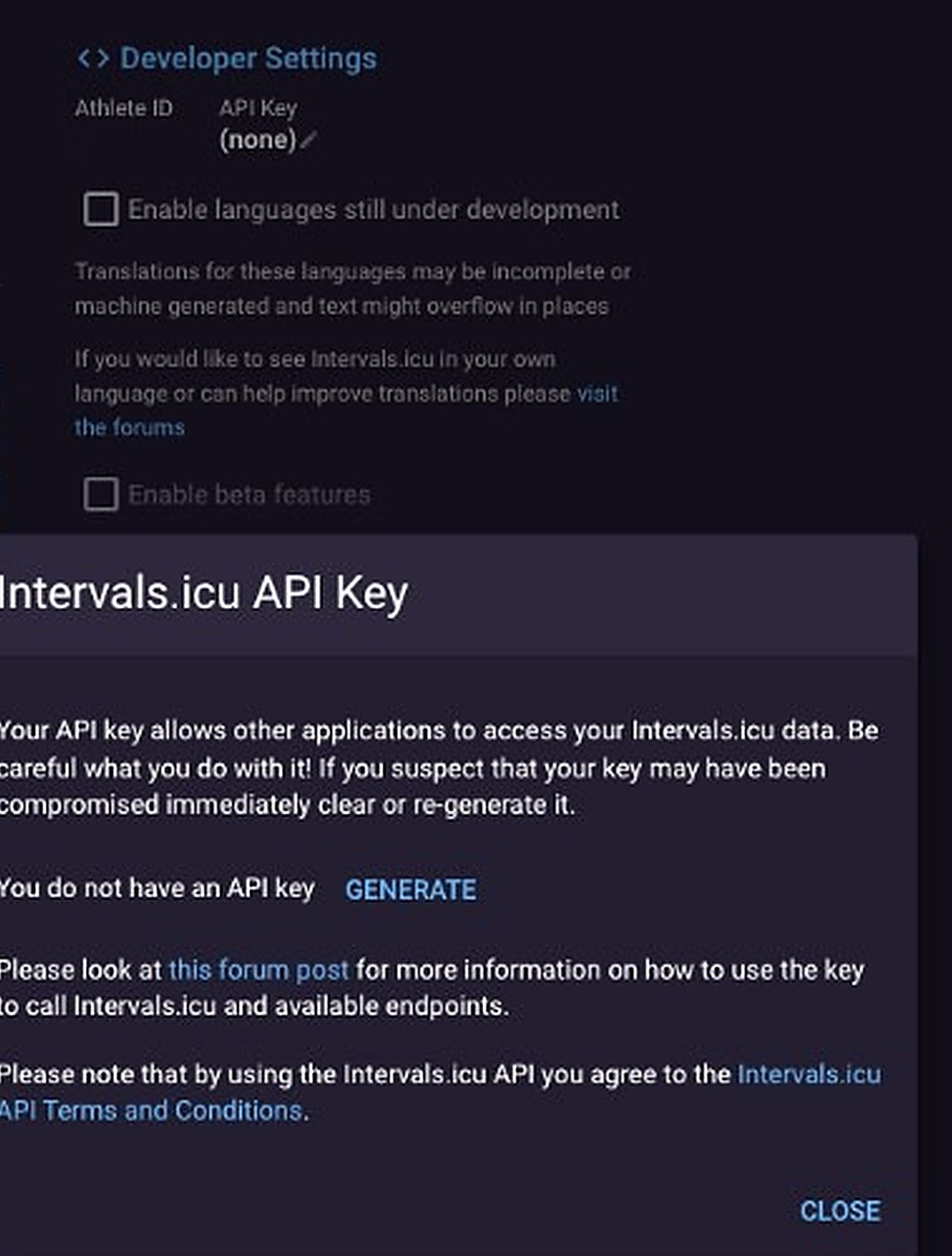
Find Developer Settings
OAuth in FuelCyclePro is the preferred connect path. Use Developer Settings only for an API key.
Step 5
Generate an API key
Generate a key, paste it in FuelCyclePro Settings, and do not share it.
Step 6
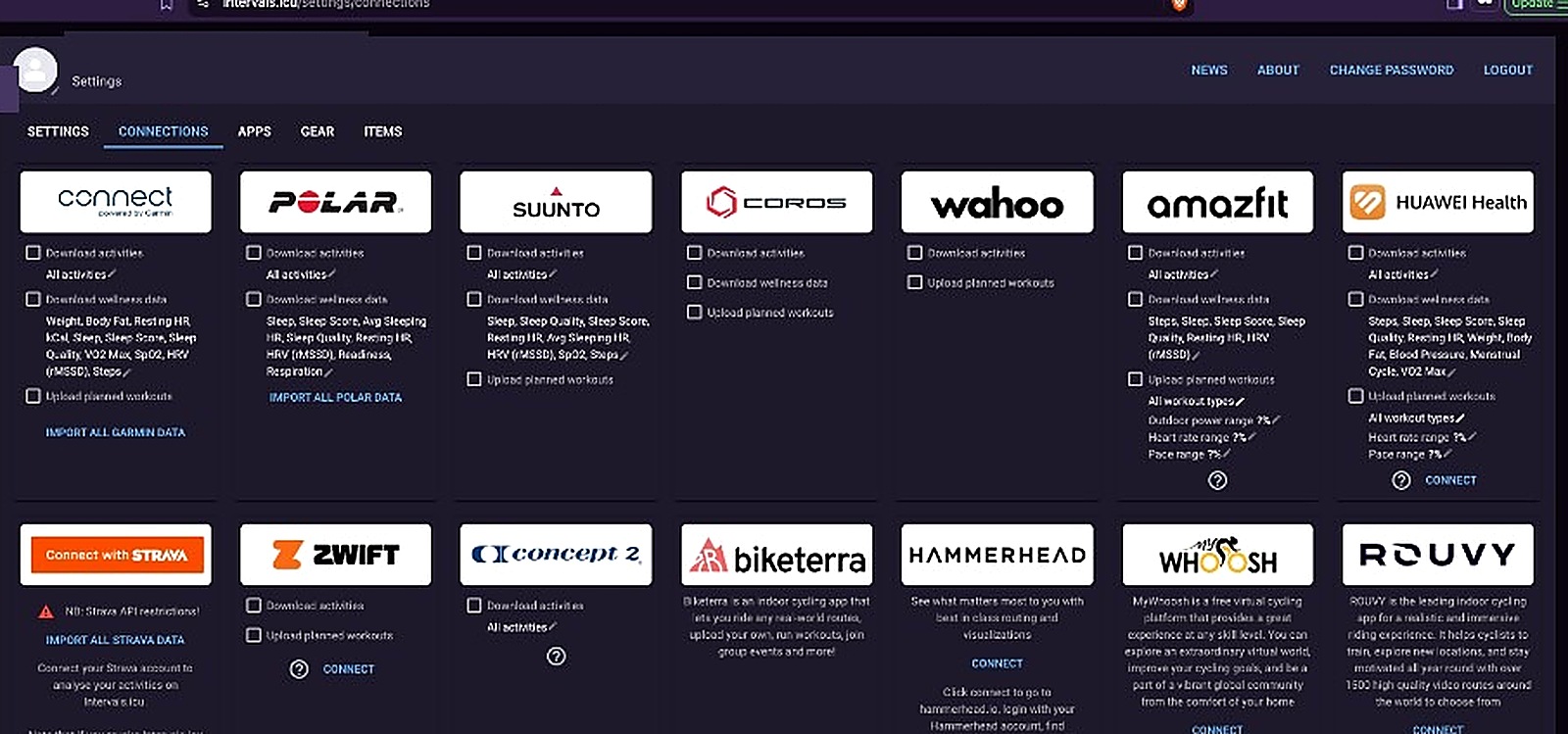
Link your devices
Link Garmin, Wahoo, and other platforms under Connections on intervals.icu, not inside FuelCyclePro.
Devices and platforms
Garmin and Wahoo link on the Connections page above. Other head units usually need a FIT upload on Intervals first. The ride then shows up in FuelCyclePro after the next sync.
Strava-only rides
Rides that only entered Intervals through Strava can arrive in FuelCyclePro with limited detail. Link a head unit on Intervals, or connect Strava in FuelCyclePro when that option is available.
Connection terms
- You must have your own Intervals.icu account. Connecting authorises FuelCyclePro to call the Intervals API with your credential (OAuth token or API key).
- Your use of Intervals.icu stays under their site terms and the Intervals.icu API Terms.
- FuelCyclePro is not affiliated with or endorsed by Intervals.icu or Garmin. Some displayed activity data may include data from Garmin devices.
- Keep API keys private. You can disconnect Intervals at any time in Settings. Disconnecting stops new syncs. It does not delete your Intervals.icu account.
- FuelCyclePro is not responsible for Intervals.icu downtime, API changes, or third-party data limits (including Strava-sourced rides).
These connection terms sit alongside our Terms of Service and Privacy Policy.
Ready to connect
Create a FuelCyclePro account, or open Settings if you already have one.